Your cart
There are no more items in your cart


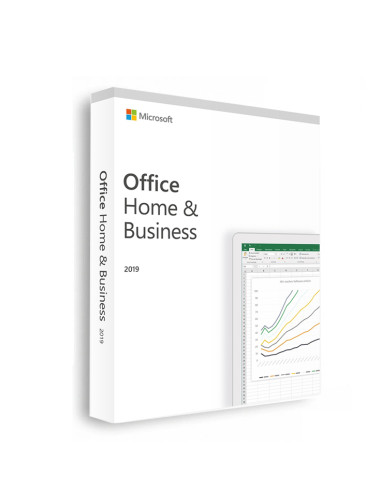
Microsoft Office 2019 Home & Business (Mac)
Out-of-Stock
kr.1,099.00
kr.1,999.00
-kr.900.00
Tax included
✅ All Languages
✅ Digital Download
✅ Instant delivery
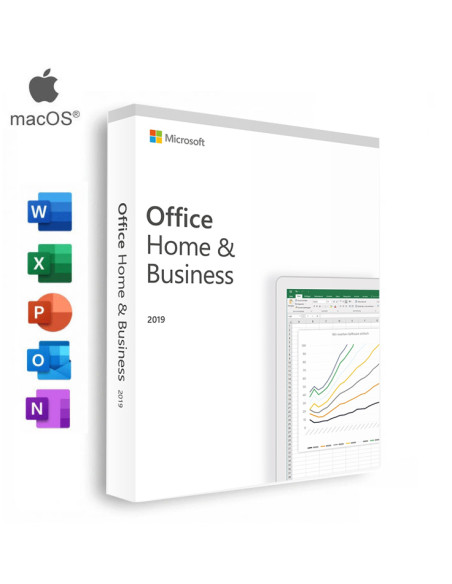
This product includes:
|
|
|
|
|


 For Mac For Mac |
 For 1 Device For 1 Device |


With powerful tools for document creation, data analysis, communication, and organization, Office 2021 Home & Business is the ultimate productivity solution for Mac users.
Microsoft Office is a very popular set of productivity tools that people have been using for many years. The new 2021 Home & Business edition for Mac is even better, with more features and an improved design. This version of Office includes everything that people who work from home, have their own business, or are freelance workers need.
Microsoft Office 2021 Home & Business is ideal for small business owners, freelancers, and home users who need a robust suite of productivity tools. Whether you need to create professional-looking documents, analyze data, manage your email, or stay organized, Office 2021 Home & Business has everything you need. With its user-friendly interface, you don't need to be a tech expert to get the most out of the suite.
Microsoft Office 2021 Home & Business is the perfect choice to up your productivity. It contains plenty of features to help you become more efficient and work smarter from creating high-quality documents to analyzing data, managing emails, and staying organized. Not only that but it also receives regular updates with new functionalities as well as security patches so you can rest assured knowing your workflow remains secure at all times.
What's in Microsoft Office 2021 Home & Business for Mac?
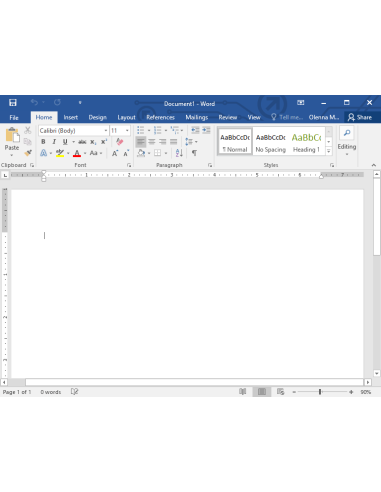
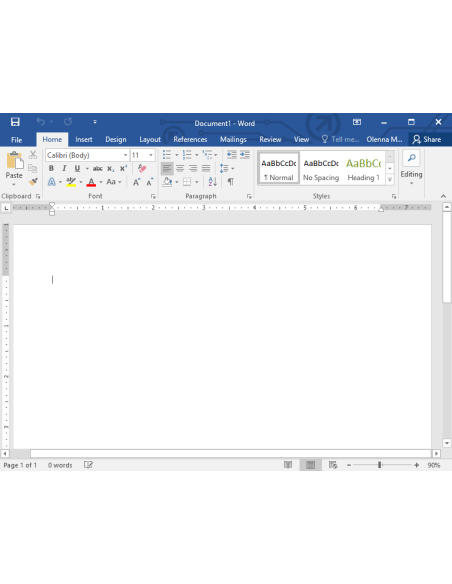
- Word 2021 for Mac – Create and edit documents, collaborate in real-time with co-authors, access templates, and more.
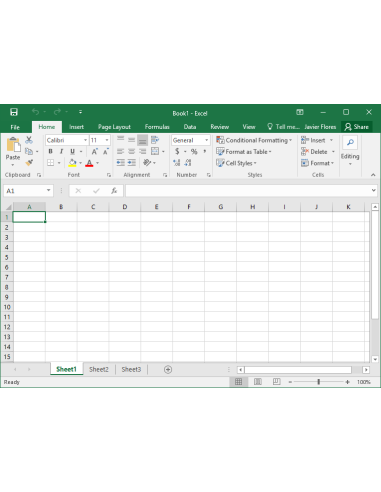
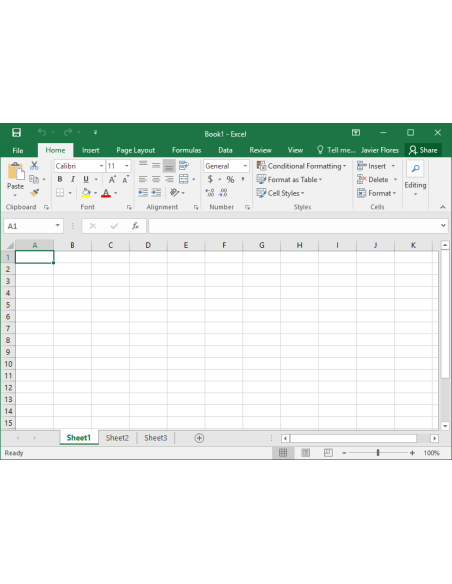
- Excel 2021 for Mac – Analyze, visualize, and design data in the form of graphs, tables, and charts.
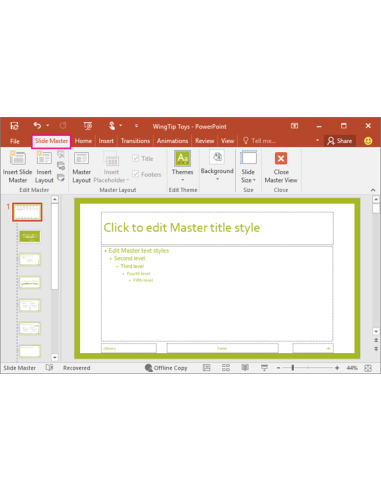
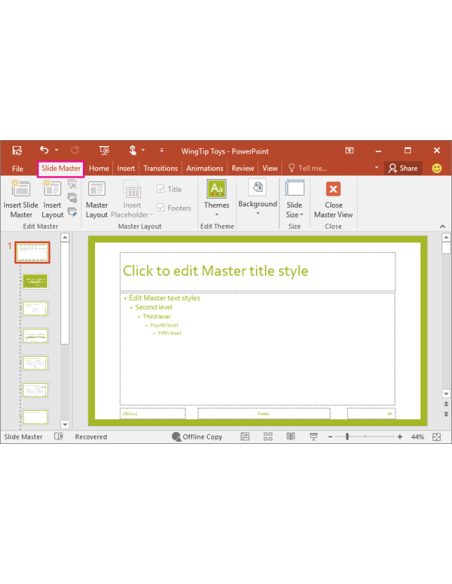
- PowerPoint 2021 for Mac – Transform your presentations with stunning visuals and animation effects. Use built-in assets, animations, and templates to leave an impact on your audience.
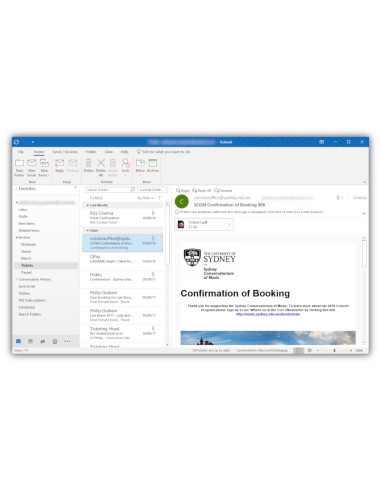
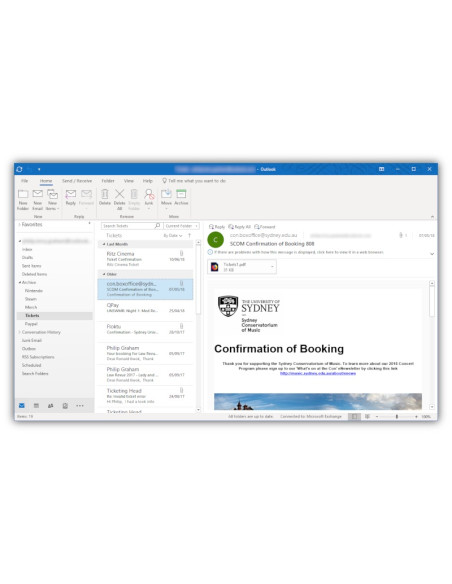
- Outlook 2021 for Mac – Manage your email inbox and organize incoming messages to Focused and Other inboxes, all while staying on top of your professional life.
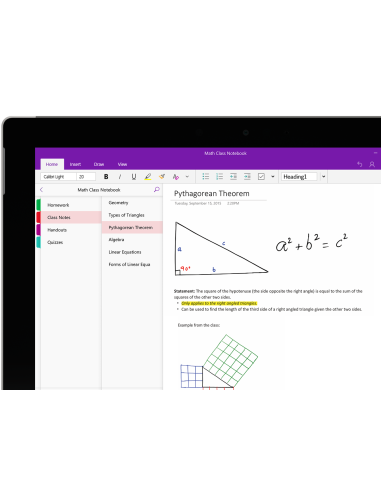
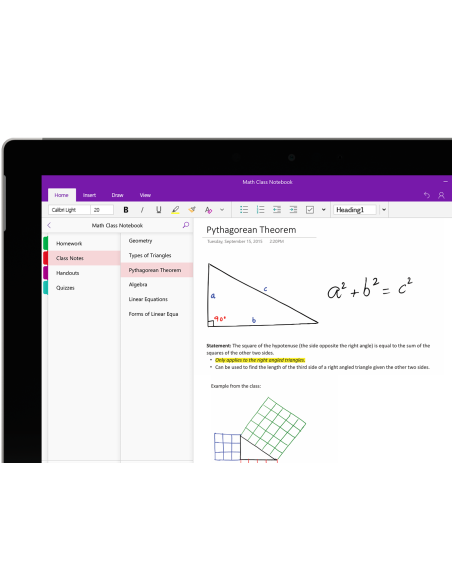
- OneNote 2021 for Mac – Gather notes, ideas, web pages, photos, and audio in one place.
Key Benefits of Office 2021 Home & Business
One of the biggest advantages of Office 2021 Home & Business is its seamless integration with macOS. The suite has been optimized for the latest version of macOS and features a clean and intuitive interface. With the suite, users can access all their favorite Office applications, including Word, Excel, PowerPoint, Outlook, and OneNote, all from one central location. This makes it easy to create, edit, and share documents, presentations, and other files seamlessly across all platforms.
Office 2021 Home & Business also comes with a range of advanced features that can help users save time and increase productivity. For instance, the suite's collaboration features make it easy for teams to work together on projects in real time. Users can also benefit from the suite's data analysis and visualization tools, which make it easy to turn complex data sets into insights and conclusions.
Microsoft Office 2021 FAQ
What applications are included in Microsoft Office 2021 Home & Business?
Microsoft Office 2021 Home & Business includes Word, Excel, PowerPoint, and Outlook.
How many devices can I install Microsoft Office 2021 Home & Business on?
You can install Microsoft Office 2021 Home & Business on one Mac.
Is Microsoft Office 2021 Home & Business a subscription service?
No, Microsoft Office 2021 Home & Business is a one-time purchase that does not require a subscription.
What is the difference between Microsoft Office 2021 Home & Business and Microsoft 365?
Microsoft Office 2021 Home & Business is a one-time purchase that includes the latest versions of Word, Excel, PowerPoint, and Outlook. Microsoft 365 is a subscription service that includes additional applications such as OneDrive, Teams, and SharePoint, as well as ongoing updates and security features.
Features
Microsoft Office 2021 Home & Business for Mac is a suite of productivity apps that includes the latest versions of Word, Excel, PowerPoint, Outlook, and OneNote for macOS. This suite is designed to help users create, edit, and share professional-looking documents, spreadsheets, presentations, and notes on their Mac computers.
Word 2021 for Mac
Microsoft Word 2021 for Mac is the latest version of the popular word processing application, designed to help users create, edit, and share professional-looking documents on their Mac computers. With a range of advanced features such as real-time co-authoring, improved collaboration tools, and a variety of new design and customization options, Word 2021 is the ultimate tool for all your document needs.
What’s New in Word 2021 for Mac
- Improved collaboration features, including the ability to co-author in real-time with others.
- Enhanced productivity tools, such as new templates and the ability to use voice dictation.
- Improved accessibility features, including support for improved image and table descriptions and easier navigation with VoiceOver.
- New design features, such as the ability to add 3D models to documents and new design options for text and images.
- Improved graphics tools, including new color palettes, icons, and SVG images.
- Better performance and stability, including faster document load times and improved reliability.
Excel 2021 for Mac
Microsoft Excel 2021 for Mac is the latest version of the popular spreadsheet application, designed to help users analyze, visualize, and manipulate data in the form of tables, graphs, and charts. With a range of advanced features such as improved performance and stability, enhanced data analysis tools, and new design and customization options, Excel 2021 is the ultimate tool for all your data needs.
What’s New in Excel 2021 for Mac
- Improved performance and stability, including faster load times and smoother scrolling.
- New data analysis features, such as XLOOKUP and dynamic arrays allow for more powerful and efficient data analysis.
- Improved collaboration features, including the ability to co-author in real-time with others and share workbooks directly from Excel.
- New chart types, such as Funnel charts, and improvements to existing chart types, including the ability to add data labels and better formatting options.
- New data visualization features, including the ability to use Power Query to clean and transform data and the ability to use 3D Maps to create interactive data visualizations.
PowerPoint 2021 for Mac
Microsoft PowerPoint 2021 for Mac is the latest version of the popular presentation application, designed to help users create and deliver stunning presentations on their Mac computers. With a range of advanced features such as improved animation and transition effects, a variety of built-in assets and templates, and new design and customization options, PowerPoint 2021 is the ultimate tool for all your presentation needs.
What’s New in PowerPoint 2021 for Mac
- Enhanced collaboration features, including the ability to co-author in real-time with others and improved integration with Microsoft Teams.
- New design features, including new templates, themes, and 3D models.
- New animation and transition options, including new Morph and 3D rotation animations, as well as the ability to add and edit video backgrounds.
- Improved presenter tools, such as the ability to use a virtual laser pointer and improved slide show navigation tools.
- Improved performance and stability, including faster load times and smoother transitions.
Outlook 2021 for Mac
Microsoft Outlook 2021 for Mac is the latest version of the popular email and calendar application, designed to help users manage their email inboxes and stay on top of their professional life. With a range of advanced features such as improved search capabilities, enhanced email management tools, and new customization options, Outlook 2021 is the ultimate tool for all your email and calendaring needs.
What’s New in Outlook 2021 for Mac
- Improved search capabilities, including the ability to search for messages based on people, events, and attachments.
- Enhanced email management tools, including the ability to ignore conversations and the ability to create rules based on sender or subject.
- Improved calendar tools, including the ability to see multiple time zones and the ability to create appointments with multiple time zones.
- New customization options, including the ability to customize the ribbon and the ability to create custom keyboard shortcuts.
System
These are minimum system requirements for installing Microsoft Office 2019 Home and Business for Mac
• Processor: Intel processor
• Memory: 4 GB RAM
• Hard disk: 10 GB of available disk space. HFS+ hard disk format (also known as macOS Extended or APFS)
• Display: 1280 x 800 screen resolution
• Graphics: No graphics requirements
• MacOS: Office 2019 for Mac is supported on the three most recent versions of macOS. When a new version of macOS is released, the Office 2019 for Mac Operating System requirement becomes the then-current three most recent versions: the new version of macOS and the previous versions.
Product functionality and feature availability may vary on older systems. For the best experience, use the latest version of any operating system specified above.
Tap to zoom
